◆ private
Hub
Every app's links in one place, with a live up/down check.
- Started
- Nov 2026
- Note
- lab piece
◆ Private — no public link
- Cloudflare Workers
- Cloudflare Access
- WebCrypto
- three.js
- anime.js
What it is
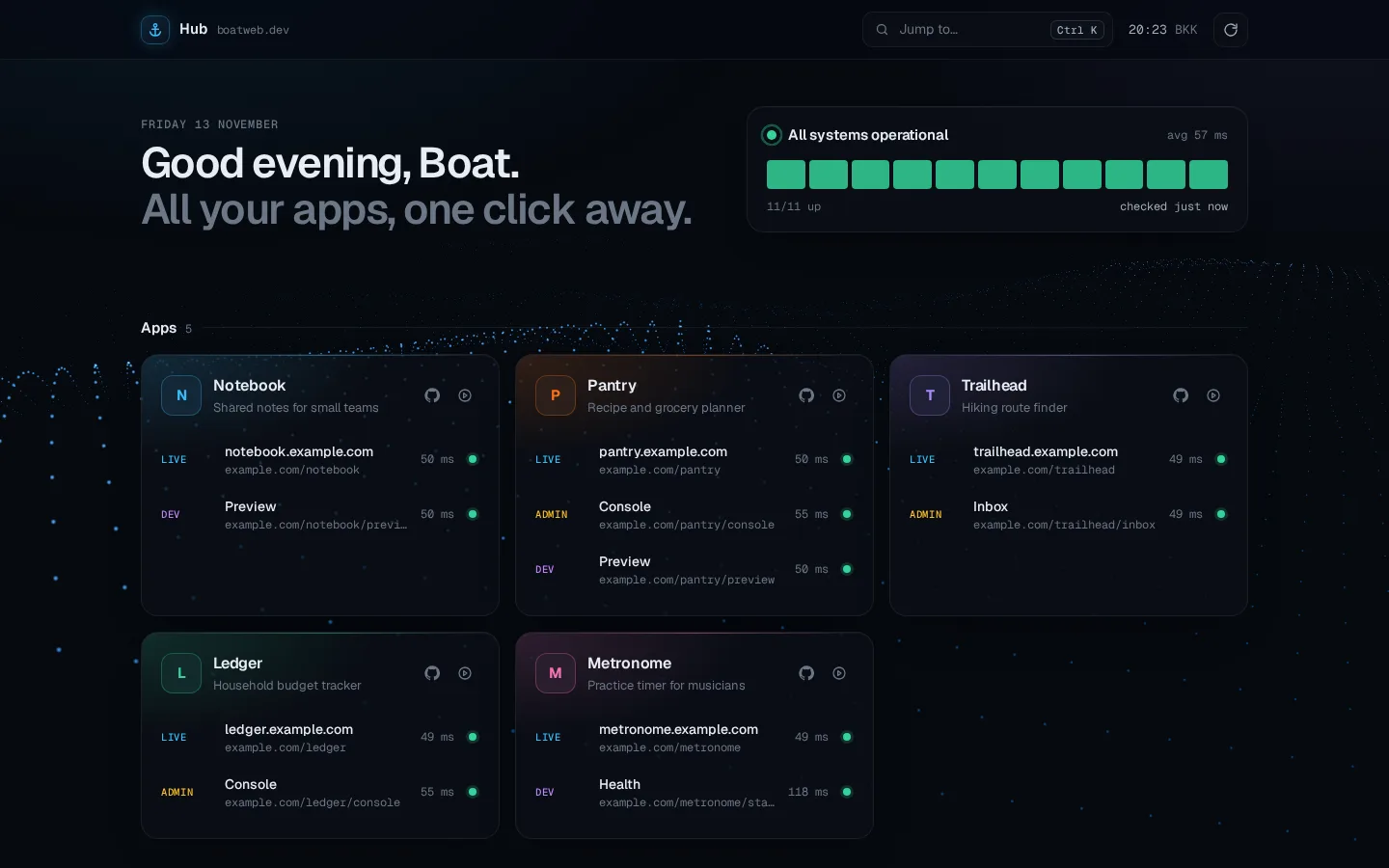
Hub is my private dashboard. Each of my apps has a public site, and most also have an admin and a dev environment. That's a lot of tabs to remember. Hub puts every link on one page, one card per app, with a live up/down check next to each one.
It's only for me, so it sits behind Cloudflare Access. The screenshots here use made-up apps and links; the real list stays private.
It's small: one Worker, one HTML page and one optional script for the motion. I built it over a few days in November 2026.
How it works
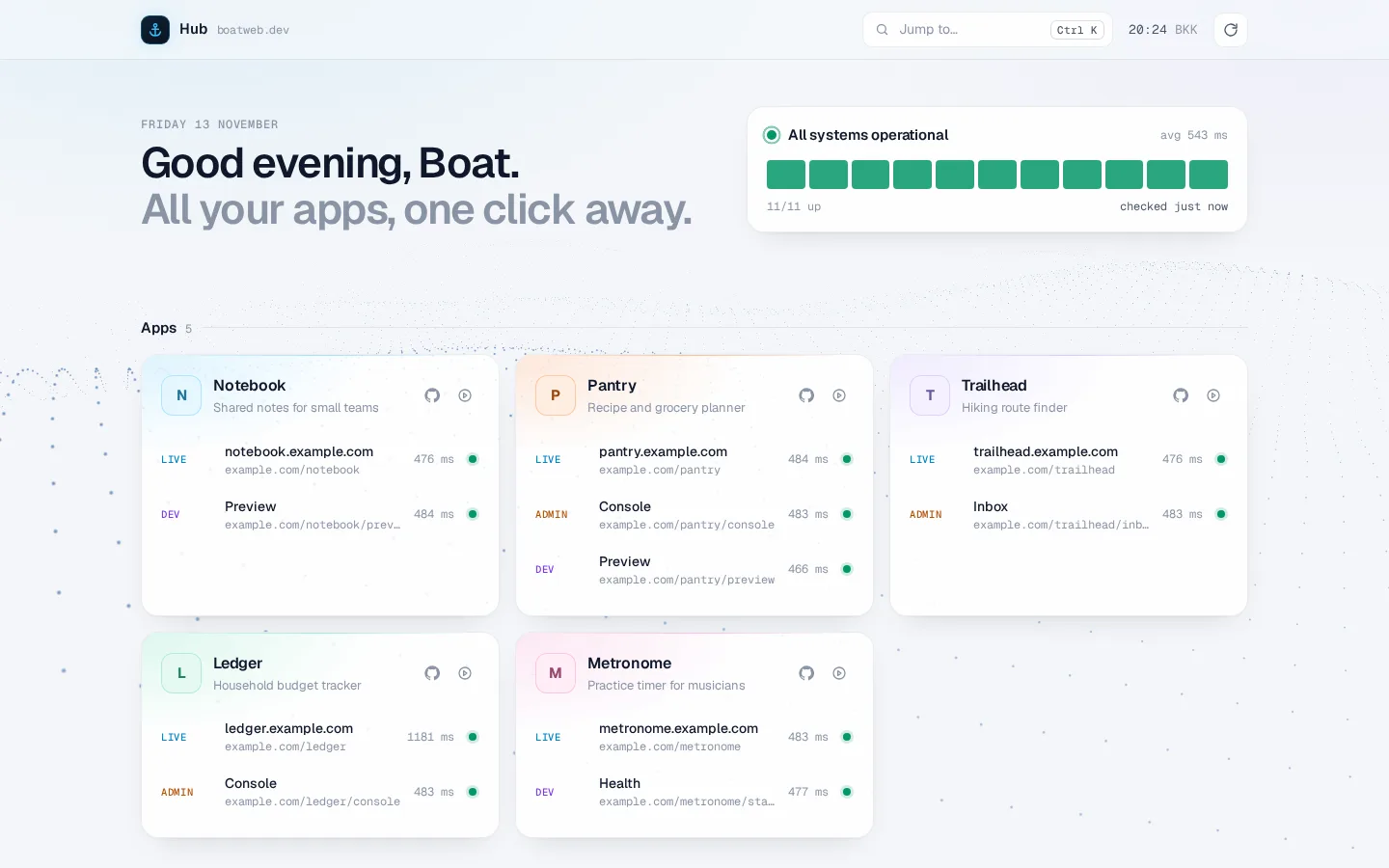
Open the page and the cards draw in. The page asks the Worker to check every link, and each link gets a dot: green when it answered, amber when it answered slowly (over 1.5 seconds), red when it didn't. A status line at the top says "All systems operational" or names what's down. The check runs again every two minutes while the tab is in view, and a command palette lets me jump to any link from the keyboard.
Behind it all is a three.js sea of points. When a link goes down, the sea turns red. When it recovers, it eases back.
Decisions worth writing down
The Worker checks the Access token itself
Cloudflare Access sits in front of the whole hostname, but the Worker doesn't take that on faith. Every request carries a signed JWT from Access, and the Worker verifies it before doing anything else:
- the header must say
RS256and name a key id; - the signature is checked with WebCrypto against the public keys Access publishes for my team;
- the audience must match the Access application, the issuer must match the team, and the token must not have expired.
The keys are cached for an hour. An unknown key id might mean Access rotated its keys, so the Worker looks again, but never more than once a minute, whatever the tokens say. A forged token can't make it hammer the key endpoint. If the Access settings are missing, the Worker answers 503 rather than letting anyone in.
This is the same check I wrote for another app's admin, ported over. If Access is ever misconfigured, or someone finds a way to reach the Worker directly, the page still refuses.
The gate runs before the static files
The page itself is a static file. By default the asset server answers static files without running the Worker at all, which would skip the token check. Setting run_worker_first to true sends every request through the Worker first. Only after the check passes does it hand the request to the asset server.
Status checks from the server, where a login wall counts as up
The browser can't check the links itself: most are on other origins and many sit behind their own login. So the Worker does it. It collects every unique link, fetches them all in parallel with a 6-second timeout each, and doesn't follow redirects.
The rule for "up" is simple: the server answered with anything below 500. A redirect to a login page, an Access wall or a basic-auth prompt all count as up, because they mean the app is there. Only a 5xx or no answer at all counts as down.
Motion as an add-on, wired with events
The page works without the motion script. The main script renders the cards, runs the checks and then fires events: one when the cards are drawn, one when a check finishes with the number of links down, one when the palette opens. The motion script listens for those and does the sea, the card entrances and the red alarm.
Because the motion script loads as a module, it can arrive after the first events have already fired. The main script also keeps a small state object on the page, so the motion script can read it on arrival and catch up instead of missing the first render.