● live

Promptly
Think better. Prompt better.
- Started
- Oct 2026
- Note
- 31 lessons
- Note
- built in a day
- Next.js 16
- React 19
- Tailwind 4
- Cloudflare Workers
- D1
- Drizzle
- Anthropic SDK
- three.js
- anime.js
What it is
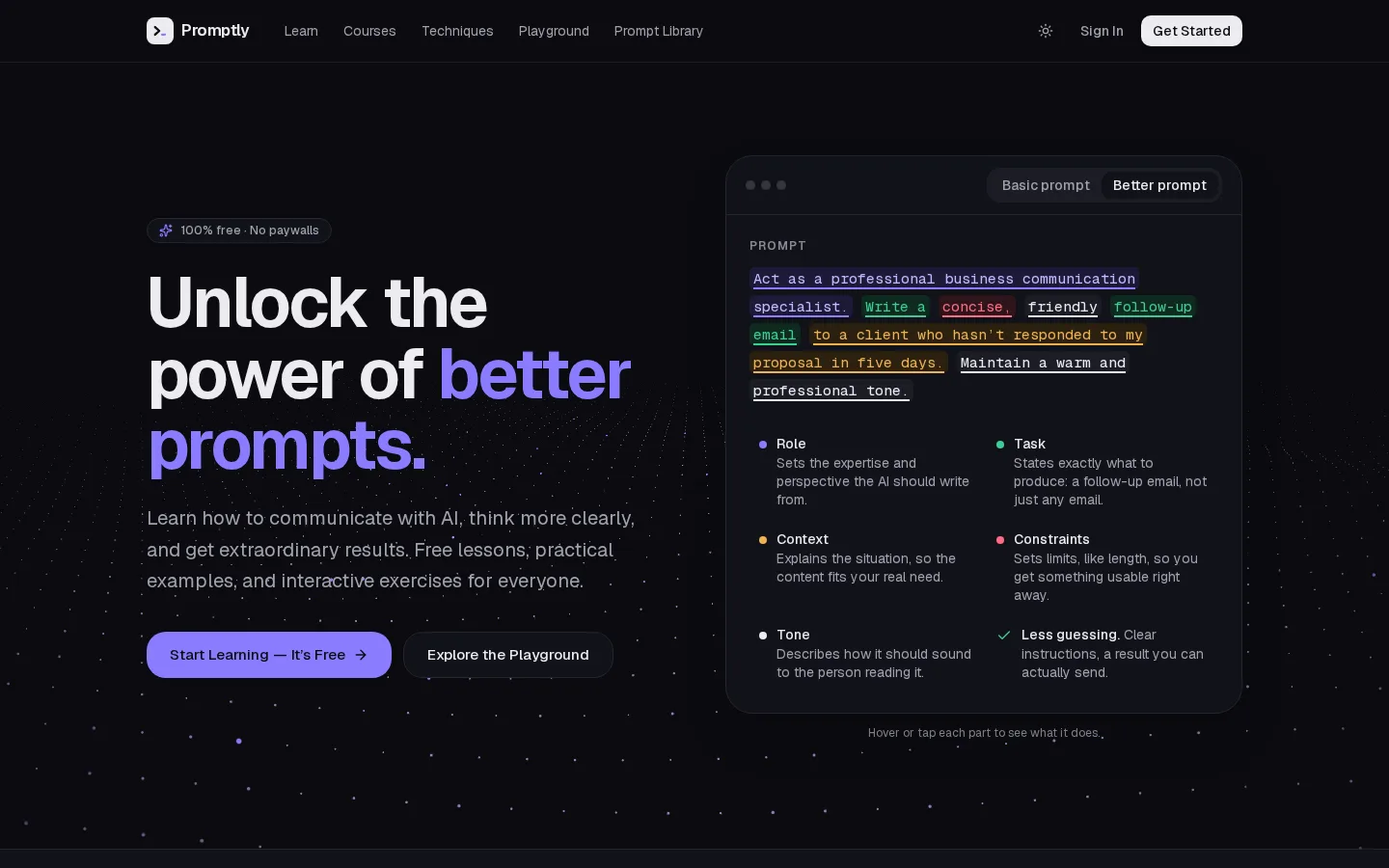
Promptly is a free place to learn prompt engineering. It's for people who use AI tools every day but have never been shown how to ask well: structured courses from beginner to practical applications, a reference of techniques, a library of real prompts, and a playground where you can try a prompt and see what it does.
I built it in one day, on 30 October 2026. It started as a Next.js app, and by the evening it was ported to Cloudflare Workers and D1 and live on its own subdomain.
How it works for a learner
- Courses: four levels, 6 courses and 31 lessons. Each lesson has examples, an exercise, a knowledge check and key takeaways.
- Techniques: 12 reference pages covering zero-shot, few-shot, RAG, ReAct, self-consistency and more.
- Prompt library: 40 templates across 10 categories, with search, filters and a variable filler, so you can drop in your own details before copying one.
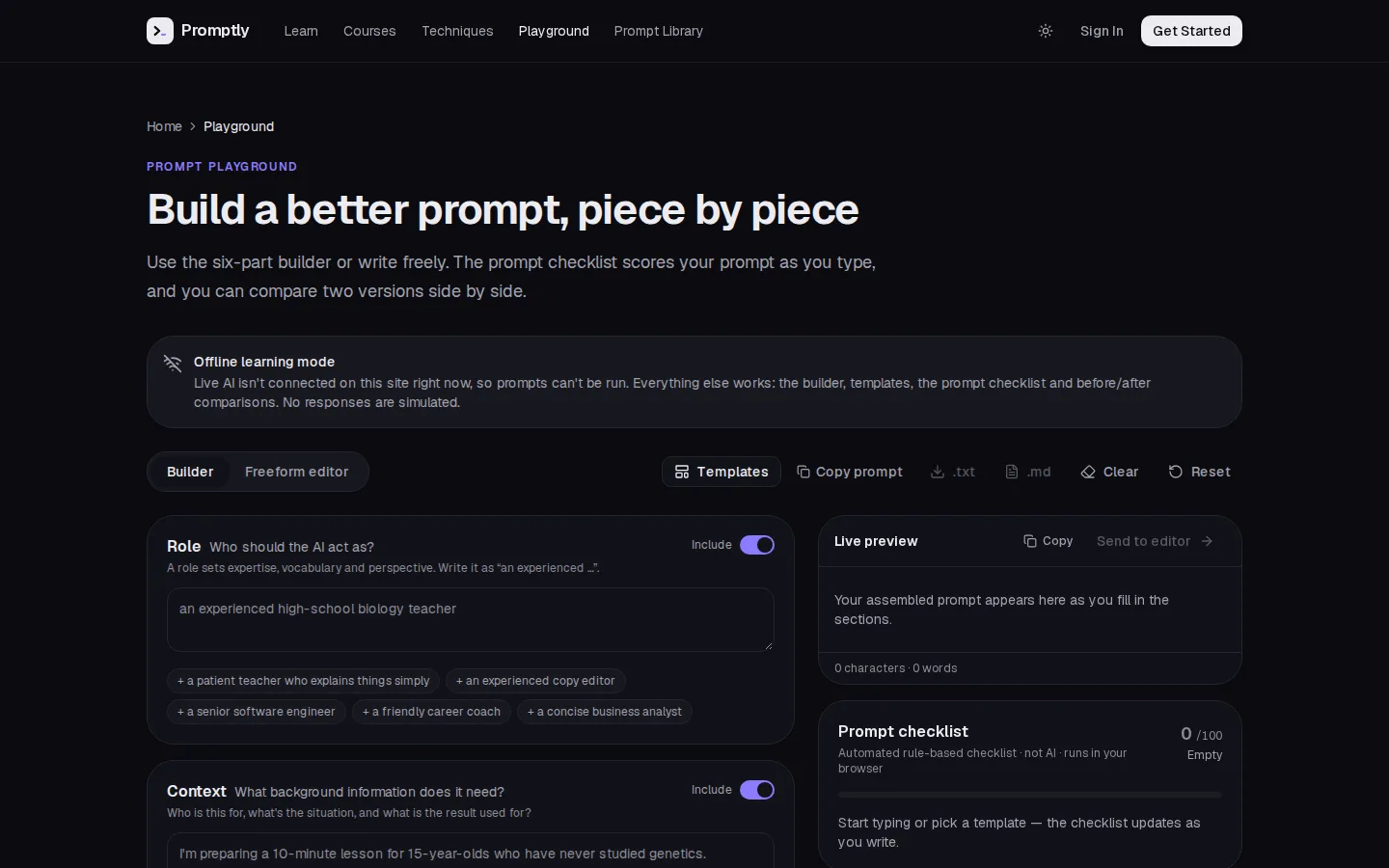
- Playground: a six-part builder (role, context, task, constraints, output format, examples) with a live preview, a checklist that scores the prompt as you type, A/B comparison and export. Signed in, you can run the prompt on Claude and watch the answer stream in, or ask it to rewrite your prompt and explain what changed.
Accounts are optional. Without one everything except the live AI run works; with one you get progress, streaks and history.
Decisions worth writing down
The API key never leaves the server
All AI calls go through one server-only module. The browser only learns whether AI is turned on. Running a prompt needs a signed-in user, and each user has a daily quota (30 runs by default) plus an hourly ceiling per network. The daily count comes from the user's saved history, so it survives restarts.
The playground streams plain text back to the browser. The first event is awaited before the response starts, so auth, rate-limit and bad-request errors still come back with a proper status code instead of a broken 200. Anything that happens later (a refusal, an answer cut off at the length limit, a dropped connection) is appended to the stream after a marker character, and the UI shows it as a note under the answer. Every error type maps to a plain sentence that tells you what still works.
A checklist that isn't AI
The score you see while typing is deliberately not a model. It's a rule-based checklist with 9 weighted criteria: role, context, clear task, constraints, output format, examples, specificity, length and delimiters. The weights add up to 100, with a clear task weighted highest. Each criterion passes, half-passes or fails, and delimiters only count when the prompt looks like it has pasted material in it.
That choice means it runs in the browser, works offline, costs nothing and can explain every result in terms of what it saw ("No role found"). The code says it plainly: it can be fooled, so treat it as a checklist, not a judge.
Content written as code, seeded into D1
The curriculum lives in the repo as TypeScript and markdown, and a seed script loads it into a local D1 database. Getting it into production took a small script of its own. It exports the content tables from the local database, re-orders the rows so parents land before children, and sends them to the remote database in chunks of under 90 KB, since remote file import needs extra permissions and command arguments have a size limit. Content rows keep their ids, so learner progress stays attached.
The script refuses to run once real users exist, because replacing content would cascade into their progress. After launch, content is edited in the built-in admin instead.
An honest limiter
The per-network limit is a small in-memory fixed window. On Workers that means it limits per instance, not globally, and the code says so. The durable daily count is the real guard; the in-memory one only slows down bursts.
More screens · 4
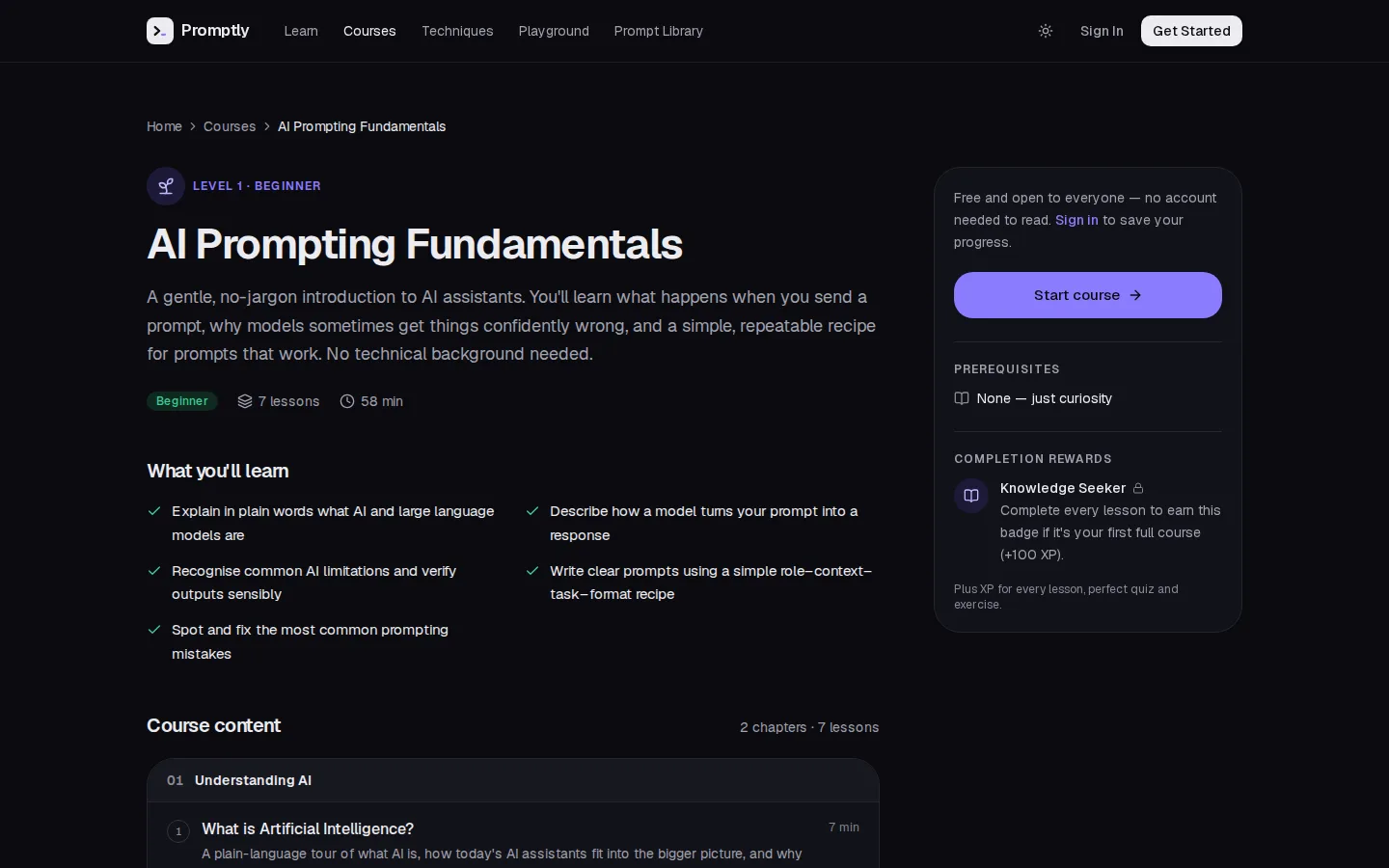
A course page with its lessons 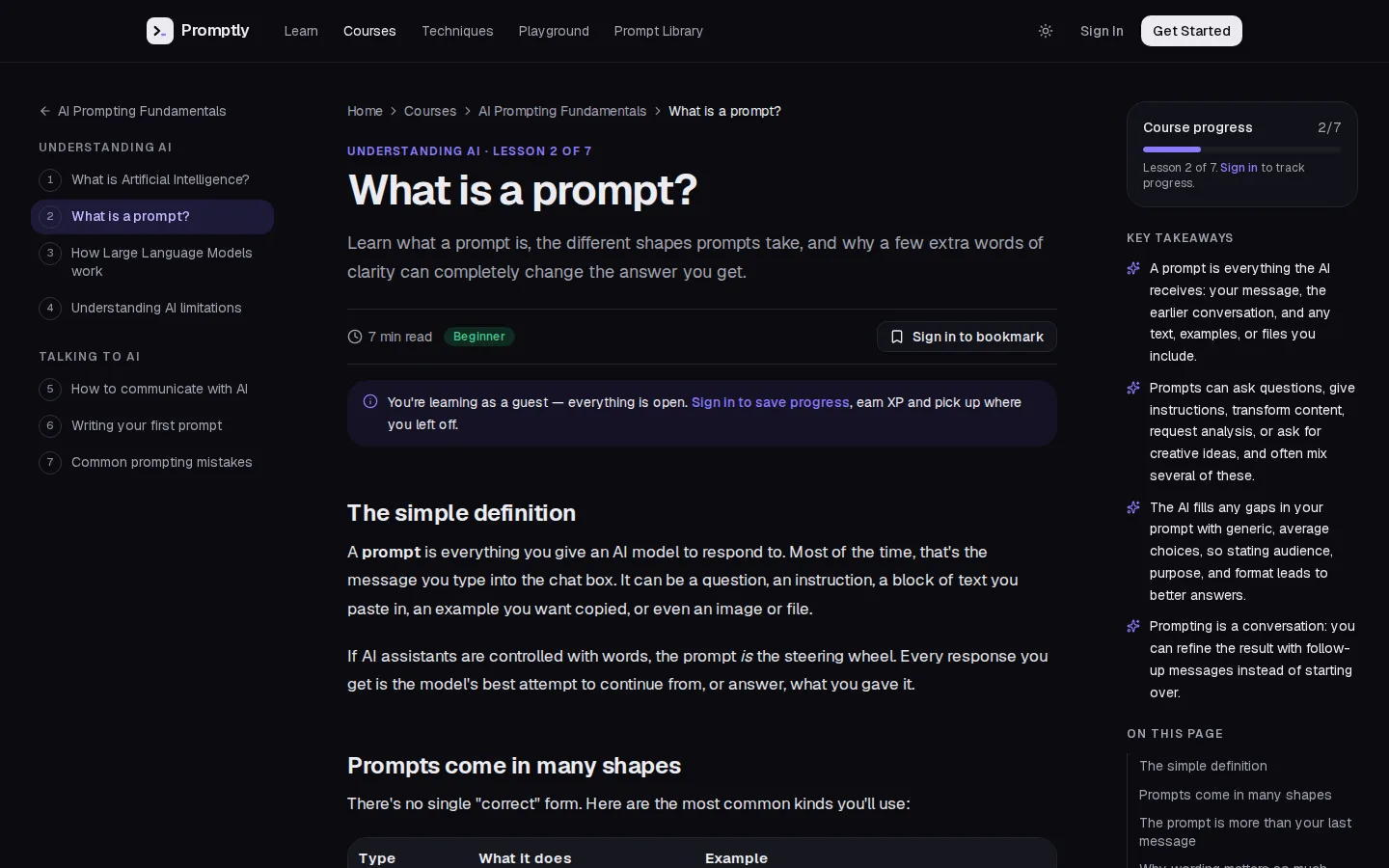
The lesson 'What is a prompt?' 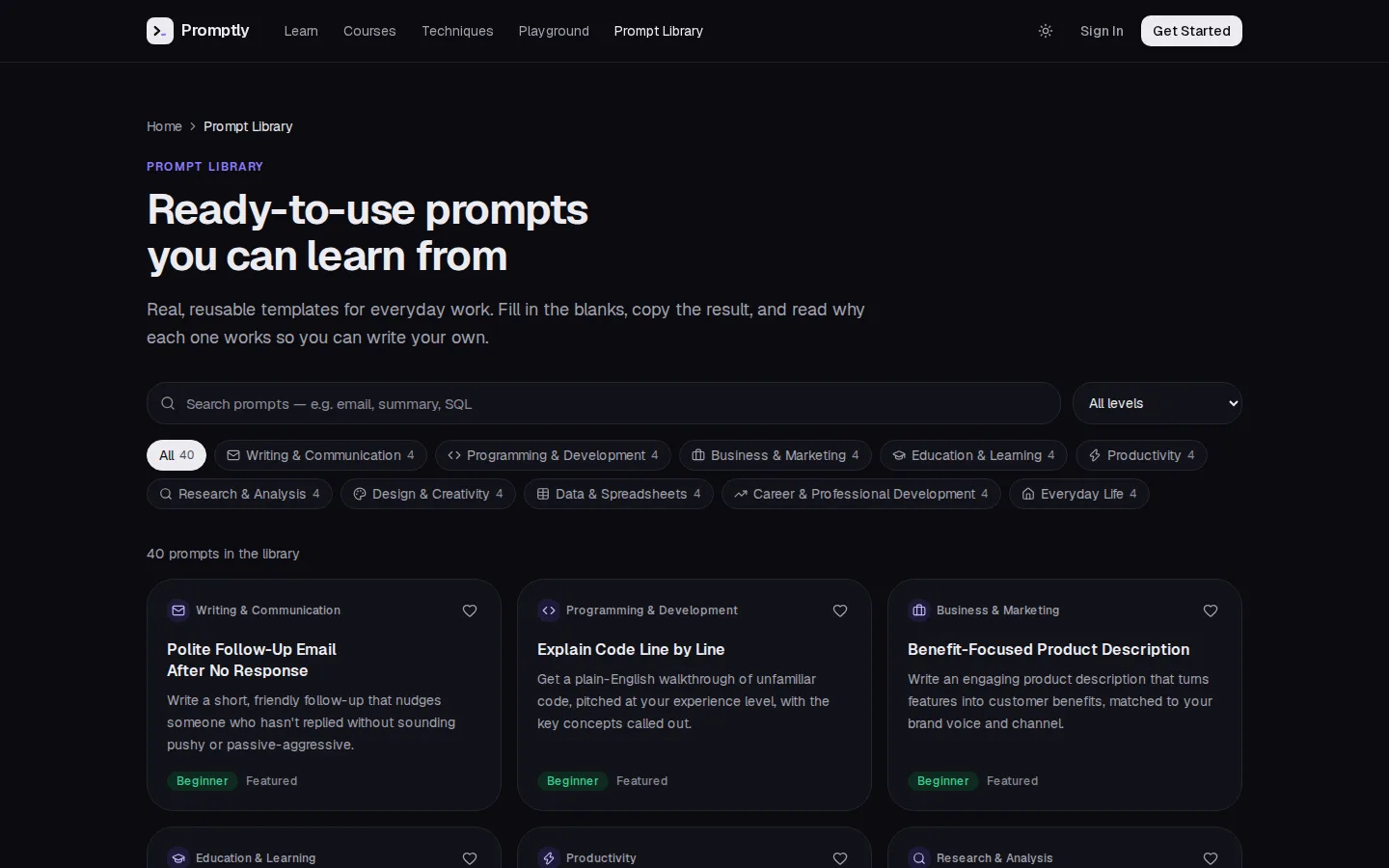
The prompt library with search and categories 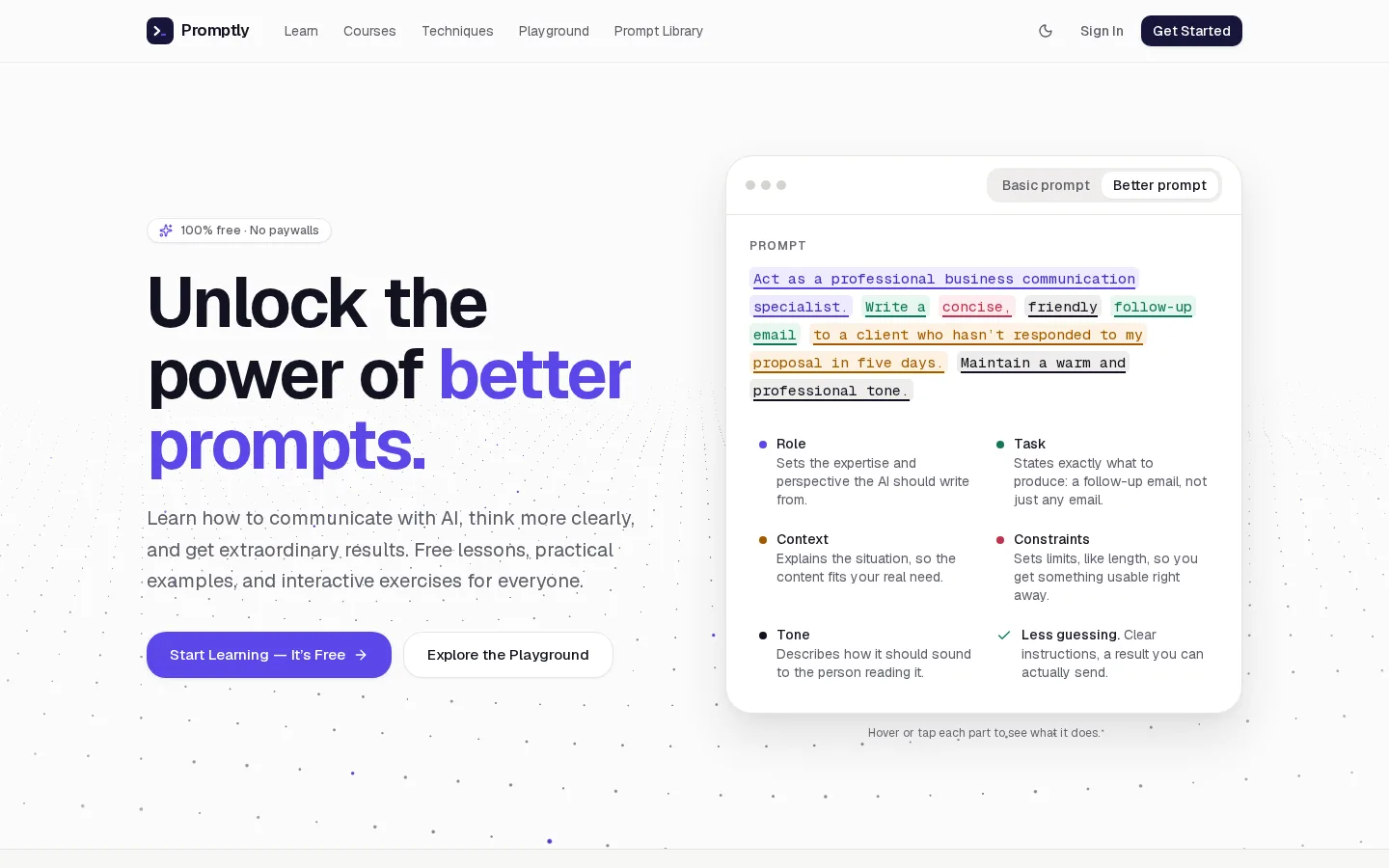
Promptly's home page in light mode